Tor Browser alternatives: what works for ordinary websites

NOID Editorial Team
Publisher
Date
04/07/2026
Date
04/07/2026
People often reach for Tor when they want to browse privately. It sounds like the simple answer. So they try using it for everyday tasks: checking email, logging into work dashboards, visiting marketplaces, or keeping accounts separate.
But Tor is designed for specific network tasks. It is the right tool when you need the Tor network or an onion service. For normal websites, it often creates more friction than it solves. The site still sees your current session, the cookies you create, how you interact with the page, and part of your browser context.
What Tor is actually good for
As The Tor Project explains, Tor sends your connection through a chain of volunteer relays. The ordinary website at the other end sees a Tor exit IP, not your home IP. Anyone watching your local network has a harder time figuring out which sites you visit.
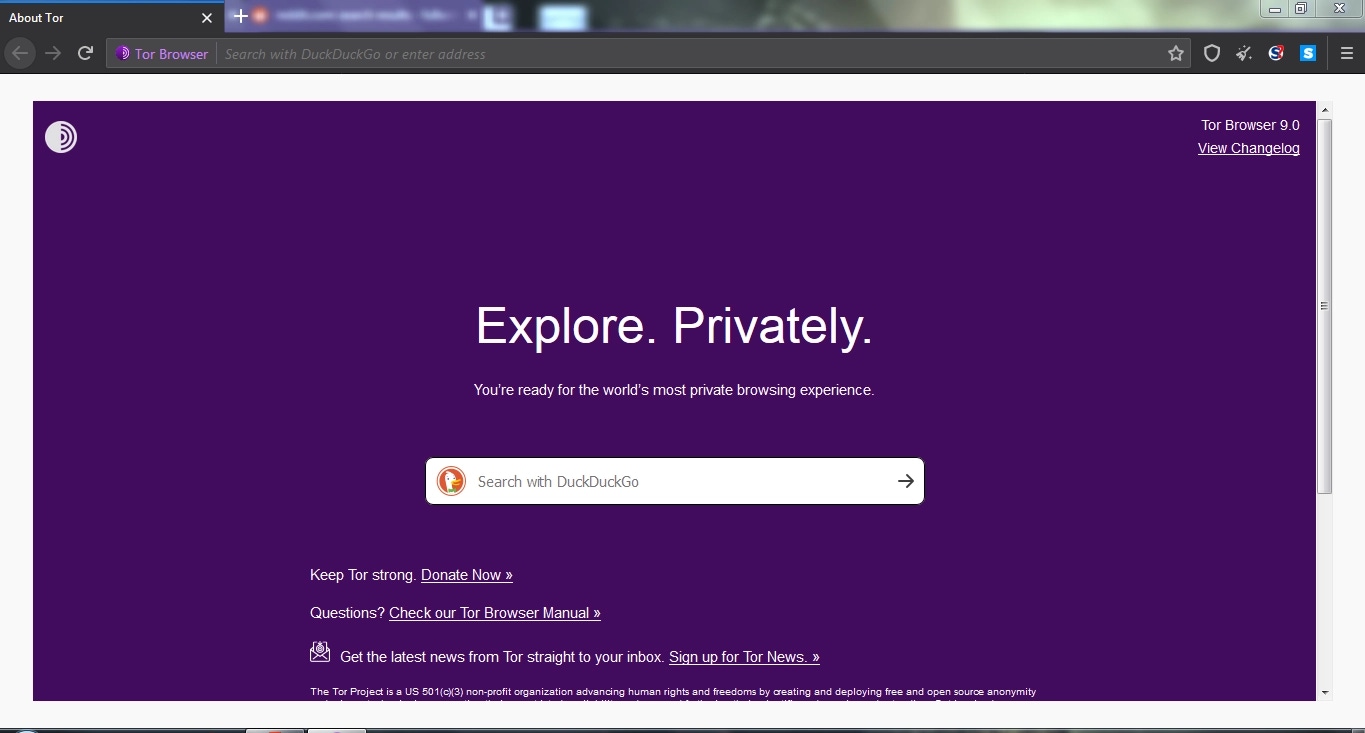
That model works well for its intended purposes: accessing onion services, research, journalism, risky network environments, and any situation where the connection through Tor matters more than everyday convenience. The Tor Project's own breakdown of Tor protections and limits is worth reading for that distinction.
Tor Browser also includes protections against browser fingerprinting. Tor's documentation details how it reduces uniqueness across signals like window size, User-Agent, language, and system details. The goal is not to give each user a unique disguise. It is to make many users look as similar as possible.
This strength relies on a shared model. The more you customize Tor Browser for yourself, the easier you become to pick out of the crowd.
Why ordinary websites are cautious with Tor
An ordinary website does not know why you are using Tor. It just sees a request coming from an address used by a Tor exit node. Those addresses are not secret: the Tor Project publishes a bulk exit list, and any service can check if a request came from the Tor network.
To a mail provider, bank, marketplace, or work dashboard, this does not look like a familiar private user. It looks like a shared public exit used by many unrelated people. The site might respond with a CAPTCHA, demand another login verification, or temporarily restrict access.
Often, this is just a normal security reaction, not a moral judgment about privacy.
There is also a usability tradeoff. Tor Browser lets you increase the security level, but stricter security levels disable or limit JavaScript and other web features. That can be the right choice for a risky task. It is a poor fit for payment forms, support tools, CRMs, and ordinary account dashboards.
Why changing your IP is not enough
Many people search for a Tor alternative because they want a different IP address. But a website sees far more than just your IP.
It can see your language, timezone, window size, User-Agent, Client Hints, WebGL, Canvas, WebRTC behavior, cookies, localStorage, and account state. EFF's Cover Your Tracks shows how ordinary browser parameters can combine into a recognizable browser fingerprint.
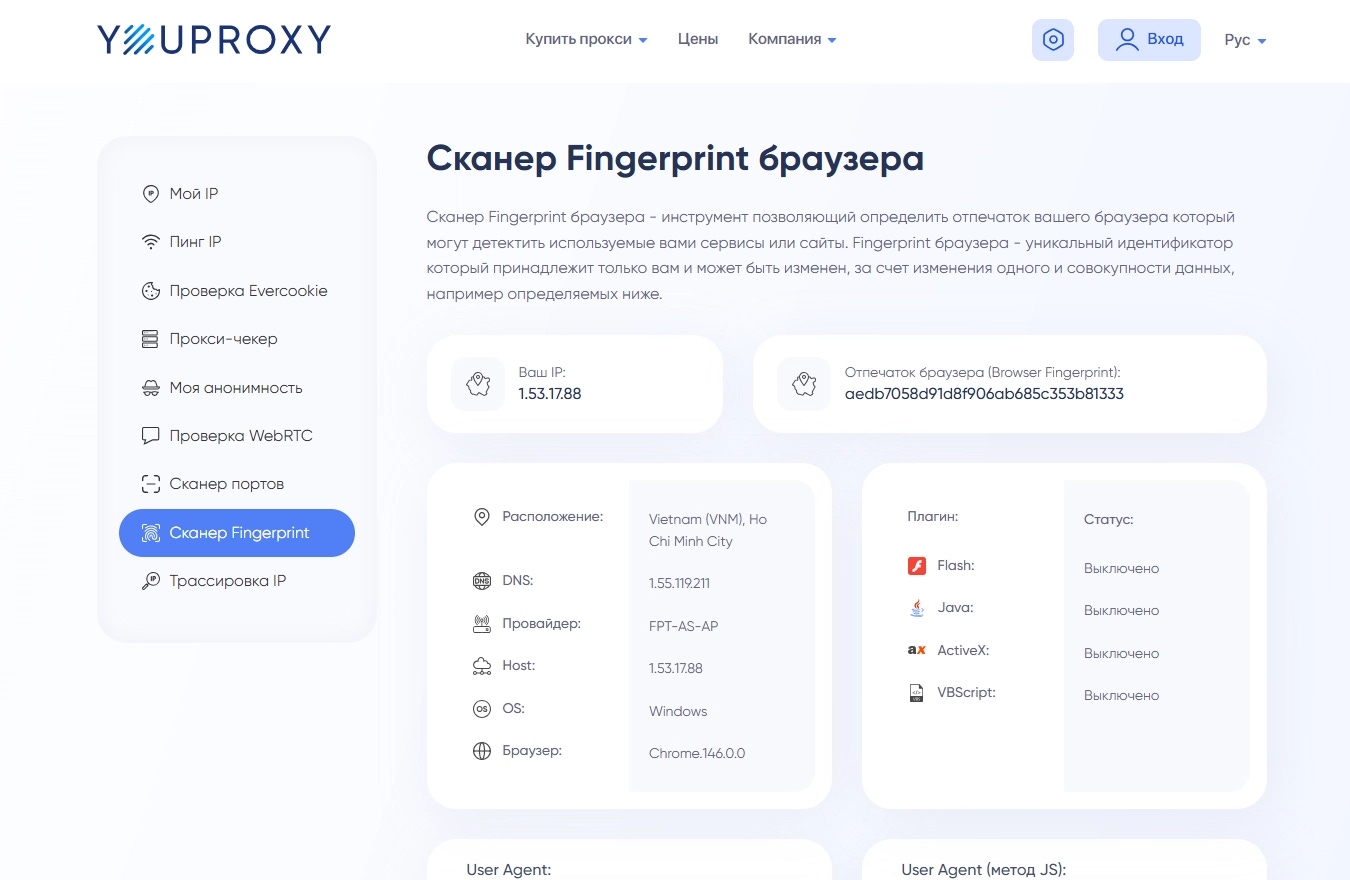
Take a work dashboard. You open it through Tor. The site sees a public address from the Tor network, a region it might not expect, and possibly a different language or window size. But the connection alone does not isolate that session from everything else inside the same browser profile. Cookies, storage, and browser fingerprint parameters can still link your activity.
The question "which IP is visible?" is only one layer of the problem.
Tor changes the connection through its network. It does not split your personal email, client dashboard, test account, and work panel into separate browser profiles. That requires a different kind of tool. We explore that layer in more depth in our guide to browser digital fingerprints.
How Tor alternatives map to tasks
Use the table as a layer check: connection, trackers, accounts, browser context, or the entire operating system.
If you are on hotel Wi-Fi, a VPN might be the right first tool. If ads and third-party trackers are the problem, start with a blocker and privacy settings. If personal, work, and client tasks are all mixed into one browser, you need profile separation.
We explore the difference between the network layer and the browser layer in our article on secure browsers vs VPNs.
I2P is not a replacement for an ordinary browser
I2P appears on many lists of Tor alternatives. That is fair when the topic is anonymous networks. It is less helpful when someone just wants a normal browser for ordinary websites.
According to the I2P documentation, I2P is its own network with tunnels, a network database, and internal destinations. It is built for services inside I2P, not as a convenient way to open any normal website the way you would in Chrome, Firefox, or Safari.
If your goal is to live inside I2P, that is a separate decision. If your goal is to check ordinary email, visit a marketplace, access a client account, or open a work dashboard, I2P usually does not solve the problem that made Tor inconvenient in the first place.
What NOID does
NOID does not replace Tor for onion services, and it does not promise Tor-level network privacy. Its job is closer to everyday work: separating browser profiles on ordinary websites.
One profile can be personal. Another can be for work. Another can be for a client project. Each profile keeps its own cookies, localStorage, history, browser fingerprint parameters, and connection settings.
NOID can also use a Tor connection for a specific profile. Treat this as a narrow option: one profile can go through Tor without changing every other profile. The limits remain. An ordinary website still sees the Tor connection and can still show a CAPTCHA or ask for another verification step.
A Tor connection in NOID does not make NOID a replacement for Tor Browser. Tor Browser includes its own security model, browser settings, and fingerprinting strategy.
The approaches are different. Tor Browser tries to make users look as similar to each other as possible. NOID separates contexts: each profile operates as its own environment with its own cookies, localStorage, and consistent browser fingerprint parameters. That is profile separation, not crowd blending.
The practical benefit is order. Personal email should not share a profile with a client dashboard. A work account should not inherit cookies from a test session. Tor is not built to manage that kind of everyday browser discipline.
To see what changes from a website's perspective, open Check ID in one profile without Tor and another profile with a Tor connection. Compare more than just the IP: look at language, timezone, WebRTC behavior, browser fingerprint parameters, and saved site data.
What to choose in practice
For onion services and tasks that need Tor Browser's protection model, keep Tor Browser. A hotel Wi-Fi problem points to a VPN. Ads and third-party tracking point to a private browser or blocker.
For ordinary websites where the real task is keeping personal, work, and client accounts separate, the useful layer is browser profile isolation. Tor is a powerful tool when you need the Tor network. It is a poor substitute for organized browser contexts.
Try NOID free
If this sounds like your situation, try NOID free for 7 days. No credit card is required.
Create one identity for personal browsing and one for work, then open Check ID in both and compare what sites see.
Popular Questions
- 01Yes, for the work it is designed to do. Tor Browser remains a strong tool for onion services and routing traffic through the Tor network. It is not a convenient, universal replacement for an everyday browser handling personal accounts.
- 02They see an address from the Tor network instead of your usual address. These addresses are public and shared by many unrelated users, so websites often add extra checks before trusting the session.
- 03Technically, yes. In practice, it often triggers extra verification steps, unusual-login warnings, or temporary limits. For a normal personal inbox, Tor usually adds friction without making the account itself more private from the provider.
- 04No. I2P is a separate anonymous network with its own services. It is not a convenient way to open arbitrary ordinary websites like email, marketplaces, or work dashboards.
- 05Use a VPN for untrusted Wi-Fi. Use a private browser or blocker for ads and trackers. Use a browser with profile isolation, like NOID, when you need to separate accounts, cookies, and browser fingerprint parameters. Use NOID's Tor connection only when a specific profile needs to go through Tor without affecting the rest; it will not make ordinary websites treat the session like normal non-Tor traffic.