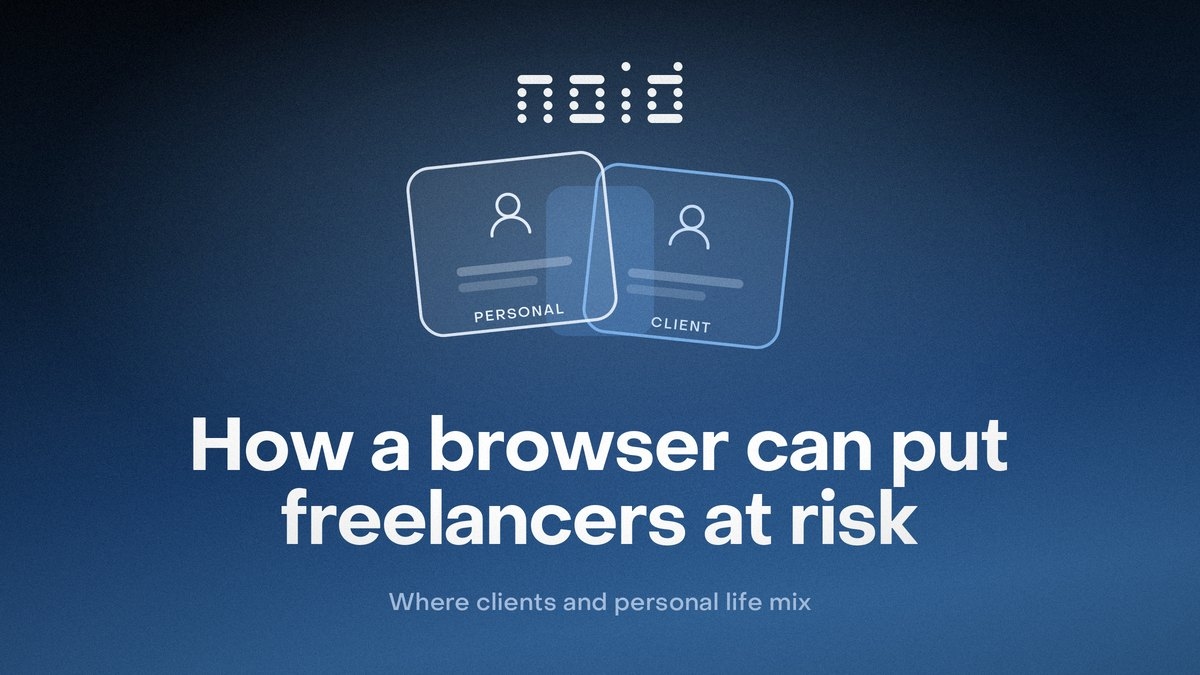
How a browser can put freelancers at risk

NOID Editorial Team
Publisher
Date
06/25/2026
Date
06/25/2026
Freelancers rarely think of the browser as a workspace. But that is usually where everything lives at once: personal email, a client ad account, a test login, a payment service, a site editor, a CRM, and a few extensions installed "just in case".
This is not about secrecy. The problem is simpler: in one browser, personal logins, client dashboards, tests, extensions, and saved site data start touching each other.
The browser keeps cookies, localStorage, saved logins, site permissions, extensions, language, timezone, and part of the device fingerprint. Then you open a new client dashboard and assume you are starting clean. To the website, it is not a clean start. It is the same browser carrying part of the old context with it.
For this job, NOID is useful not because it promises to "hide everything", but because it creates order: personal work separately, client A separately, client B separately, testing separately.
What gets mixed inside one browser
A website does not need to know your job title to recognize a familiar browser environment. The browser brings enough signals on its own.
Cookies help websites remember logins, settings, carts, analytics state, and other data. That is the basic HTTP cookie mechanism described by MDN. localStorage works differently: it is not sent to the server automatically with every request, but it can stay in the browser for the same website for a long time. That is why it can also become a long-lived marker. MDN documents the localStorage mechanism here: Window: localStorage.
For a freelancer, this is not an abstract privacy theory. It is a normal work problem.
You open your personal Gmail, then a client's Google Analytics, then a Shopify test login, then another client's Meta Business Suite. Somewhere, an old login remains. Somewhere, autofill suggests your personal email. Somewhere, an extension runs across every site. Extensions are not always harmless either: Chrome documents permissions that can let an extension access websites, cookies, network requests, and tabs: Chrome Extensions permissions.
One signal alone rarely proves much. But when language, timezone, window size, WebGL, and other details line up, they form a recognizable browser fingerprint. EFF explains this idea in Cover Your Tracks, and W3C describes the risk of browser and device properties combining into a recognizable set in its Fingerprinting Guidance.
If you manage one personal project, this may be tolerable. If you work with five clients, a shared browser slowly becomes a place where their logins, site data, and settings keep brushing against each other.
The real risk of one browser for freelance work
It starts with a workday.
In the morning, you answer personal email. Then you open a client's dashboard in Paris, check an ad campaign, open a spreadsheet with access details, update a store admin page, look at a competitor site, test a lead form, and return to your personal messenger.
All of this happens in one window.
After a week, it becomes hard to tell what is personal, what is work, what belongs to one client, and what was only a test. The browser remembers more than it seems: which sites were opened, which logins were saved, which extensions received access, which permissions you granted, and which data each site stored.
The worst risk is not always technical. Sometimes it is a human mistake:
opening a client service from the wrong work environment;
submitting a form with a personal email;
seeing one client's dashboard next to personal tabs;
giving an extension access while client data is open;
forgetting which login you are using right now.
Each mistake looks small until a client sees it.
Why incognito does not create work order
Incognito is fine for a temporary job: open a site without old cookies, check a page as a new visitor, or avoid leaving local history on someone else's computer.
But freelancers usually need persistent separation, not a disposable clean window.
Incognito disappears when you close it. You have to sign in again, set things up again, and remember what belongs where. It does not create a stable work identity for a client. It does not give you separate task history, notes, a persistent connection, or a clear set of site data.
We covered the limits of private browsing in detail in what incognito mode really hides. For freelancers, the short version is this: incognito helps for a minute, but it does not build a work system.
Are separate Chrome users or Firefox Containers enough?
You can start with regular browser features.
Google says different Chrome users can help keep bookmarks, history, passwords, and settings separate, including work and personal accounts: Chrome Help. The same page includes an important caveat: if someone has access to the device, they can switch to another Chrome user and see the data inside it.
Firefox Multi-Account Containers go further for some tasks. Mozilla describes them as a way to separate work, banking, shopping, and personal browsing into different containers. Containers can help you sign in to multiple accounts on the same site and assign websites to specific containers: Mozilla Support.
But Firefox Containers do not separate everything. They do not change the IP address, do not isolate the browser fingerprint, and do not solve the issue of extensions that operate outside a single container.
These tools can help at the beginning: keep personal email away from work bookmarks, avoid mixing saved passwords, and stop keeping everything in one window.
But it is still manual order inside a normal browser. Once you have several clients, different connection countries, different extension sets, test logins, notes, and different levels of caution, "I will just remember" stops being a system.
A VPN changes the connection, not the work
Many freelancers add a VPN and assume things are now separated.
A VPN changes the visible IP address and the network path traffic takes. That is useful on public Wi-Fi, while traveling, or when you do not want to expose your home connection. But a VPN does not sign you out of accounts, remove cookies, clear localStorage, disable extensions, or separate your personal Gmail from a client's ad dashboard.
We explained the difference between the network layer and the browser layer in secure browser vs VPN.
For this job, a VPN is not useless. It simply does not organize the browser.
What freelancers should separate first
You do not need a complex system on day one. A good system starts small.
Separate the places where a mistake would cost the most.
This is normal work hygiene.
Designers keep separate files for different clients. Developers keep separate projects and environments. Accountants keep separate documents. For freelancers, the browser often becomes the same kind of workspace, but people still leave it shared.
What NOID gives freelancers
NOID is useful when manual separation is no longer enough, but you do not need an overloaded enterprise system.
In NOID, you can create separate digital identities for different jobs: personal work, a client, research, a test login, or a one-time check. Each identity can have its own site data, browser environment, notes, tags, and connection. The connection is chosen for the specific identity: built-in proxies with country/location choice, your own HTTP/SOCKS5 proxy, Tor, localhost, or a direct connection. The mechanics are covered in change connection in NOID.
This does not mean a website "sees nothing". It still sees the current login, your actions on the page, and the set of parameters that came from that identity. That is why you should not check one green IP indicator and stop there.
Open Check ID in two different identities and compare more than the IP address. Look at language, timezone, platform, browser, GPU, screen resolution, and the overall consistency. Two identities do not have to differ in everything. But if you thought you separated your work and the website still sees almost the same parameter set, the separation is weaker than it looks.
NOID does not replace a password manager, two-factor authentication, phishing awareness, or clean login discipline. It solves a different problem: it stops personal, work, and client activity from constantly crossing inside one browser.
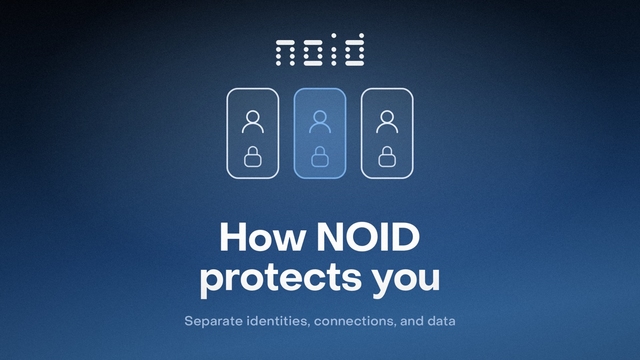
For a deeper product explanation, read how NOID protects you.
A short rule
If you are a freelancer with one personal site, one work email, and one client, you can start with a regular browser and careful separation.
If you have several clients, different dashboards, test logins, extensions, payments, and tasks that cannot be mixed, one browser becomes a weak point.
It does not break in a day. It just slowly starts remembering too much for everyone at once.
Try NOID free
If this sounds like your situation, try NOID free for 7 days. No credit card is required.
Create one identity for personal browsing and one for work, then open Check ID in both and compare what sites see.
Popular Questions
- 01Not always. If you have one client and simple tasks, careful separation inside a regular browser may be enough. If you work with several clients and open their dashboards regularly, separate browser environments become a practical way to stop data from mixing.
- 02Only for a quick check. Incognito does not keep a stable work identity, separate notes, persistent site data, or a clear connection for a specific client. For regular work, it quickly turns into manual routine.
- 03Yes, and it is often a good first step. Chrome can keep history, bookmarks, passwords, and settings separate for different users. But it is still a regular browser setup: connection choice, visible parameter checks, notes, tags, and client-work discipline remain on you.
- 04Sometimes. Firefox Containers are useful when you need to separate websites by purpose and sign in to multiple accounts on the same service. But if you need a separate connection, visible-parameter checks, persistent client identities, and a clear work panel, containers may only be part of the solution.
- 05No. A VPN changes the connection and visible IP address, but it does not separate cookies, localStorage, saved logins, extensions, or browser fingerprint signals. For client work, the problem is usually not only the IP address. It is the whole browser environment.
- 06Start with three areas: personal, work, and client. Personal services should not live next to client dashboards. Test logins and one-time checks are better kept in a temporary separate environment so they do not pollute your main work.