How does mass identity creation work?
The program allows you to create many unique identities in just a few clicks. To open the bulk creation window, click on the triplet to the right of the quick create new identity button and select the "Bulk Creation" section.
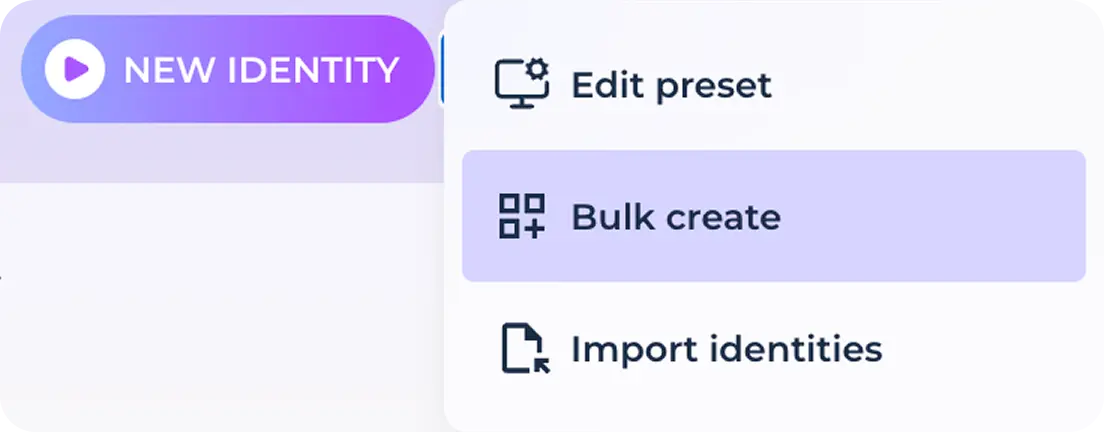
In the window that opens, you can choose one of two creation scenarios: simply specify the number of identities to be created on the counter (from 1 to 100)

Or upload previously saved cookies, which will be sequentially imported into the created identities by transferring them to the upload window or by selecting them from the file system using the "select file" button. When the files are successfully uploaded, you will see their visualization and the counter of the created identities will automatically show the number corresponding to the number of files.
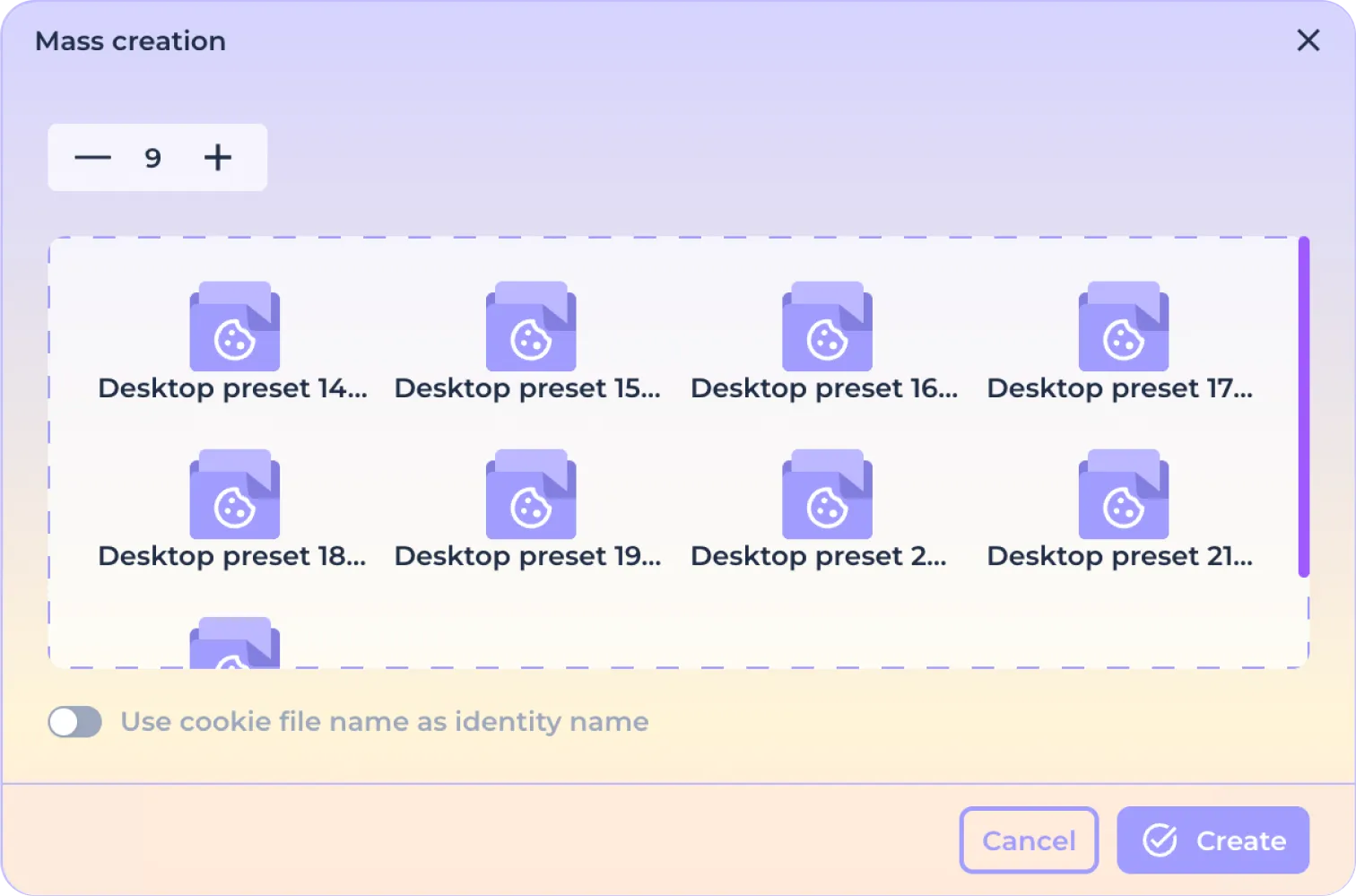
If necessary, use the "Use file name as identity name" switch to ensure that the names of the files to be uploaded match the names of the identities to be created. Click "Create" to complete the upload.
Note that, as with the quick single identity creation via the New Identity button, the preset parameters during import (such as name, color, anonymization, and fingerprint uniqueness) depend on the selected preset settings.